


Accept Stripe Payments on Your Tutor LMS Website
Set up in 5 Minutes
5-Star Support
Built for Non-Developers
Integrate Stripe with Tutor LMS in 5 Minutes
Grab everything you need from Stripe
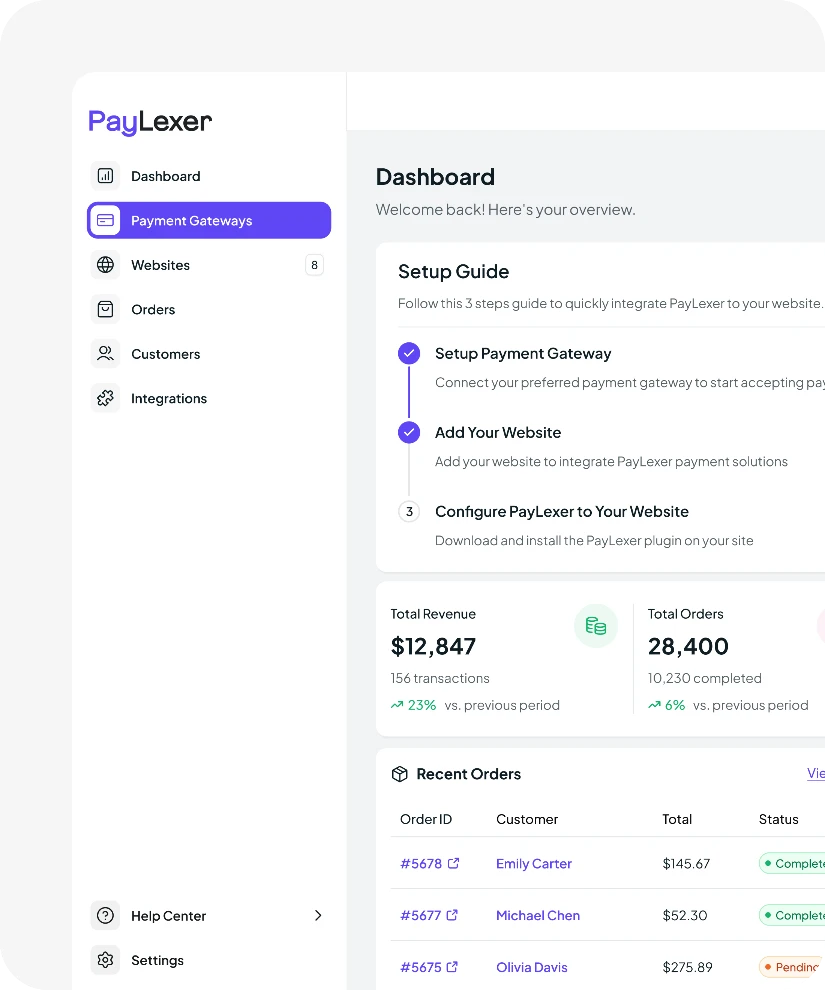
Add Stripe to PayLexer
Install the PayLexer plugin on your site
Turn Stripe on in FluentCart
Prefer a Different Gateway? We Support More for Tutor LMS


Need Stripe on More Than One Website? Connect It to Every Platform You Sell On.


About Tutor LMS
Tutor LMS is a WordPress learning management system plugin from Themeum for creating and selling online courses. It includes a course builder, quizzes, native eCommerce, subscriptions, and multi-instructor support for running full course marketplaces. It’s designed for individual teachers, training businesses, and schools running online learning sites.
About Stripe Payment
Stripe is a global payment processor operating in 46 countries, with strong coverage across Europe and North America. It supports cards, digital wallets, bank transfers, and subscriptions. It’s one of the most trusted payment options in the world for businesses.
Everything You Need to Know
Can I connect Stripe to other websites?
PayLexer currently supports WordPress websites. More website platforms will be added over time, so you can manage your Stripe connection from one place as support expands.
How can I connect Stripe to my WordPress website?
If you’re using one of PayLexer’s supported WordPress platforms, the setup takes just a few minutes. Add your Stripe API credentials in PayLexer, connect your website, and enable Stripe. Most of the work is simply copying and pasting the required values.
Can I use the same Stripe account for more than one website?
Yes. A single Stripe account can be connected to multiple supported websites through PayLexer. You can manage them from the same PayLexer dashboard instead of setting up separate integrations for each one.
Does PayLexer process my Stripe payments?
No. Stripe processes every payment directly. PayLexer only creates and manages the connection between your website and Stripe. Your funds never pass through PayLexer.
Why use PayLexer instead of building my own Stripe integration?
Building a Stripe integration takes development time, testing, and ongoing maintenance. PayLexer lets you connect Stripe in minutes and manage your payment gateway without maintaining custom code.
Is PayLexer free to use?
Yes. You can get started with PayLexer’s free plan, which supports up to five websites with no credit card required.