


Accept 2C2P Payments on Your WooCommerce Website
Connect 2C2P to your WooCommerce store in 5 minutes. PayLexer handles the setup, so you don't need custom development.
Set up in 5 Minutes
Just a few simple steps to get 2C2P connected.
5-Star Support
Get help from real people whenever you need assistance.
Built for Non-Developers
No coding or complicated setup required.
How This Works
Integrate 2C2P with WooCommerce in 5 Minutes
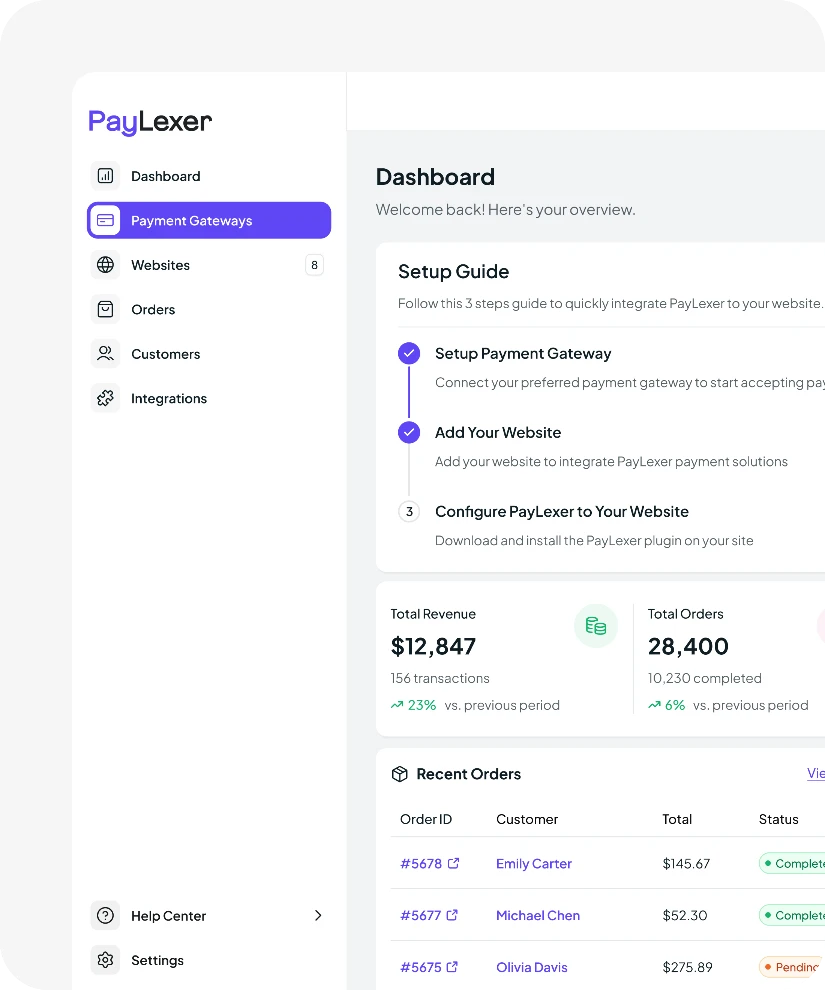
Here's what the setup actually looks like with PayLexer.
1
Get your credentials from 2C2P
Log in to your 2C2P account and go to your developer or API settings. Copy the credentials you find there; you will need them in the next step.
2
Connect 2C2P inside PayLexer
Paste your 2C2P credentials into PayLexer and verify the connection. Follow the remaining setup steps. PayLexer walks you through everything.
3
Install and activate PayLexer plugin
Install and activate the PayLexer plugin on your WordPress website. Enter your Client ID and Site Key to connect your website.
4
Enable 2C2P
Test the connection in PayLexer. When it shows Connected, go to your WooCommerce payment settings and enable 2C2P. You are ready to start accepting payments.
Other Payment Options
Prefer a Different Gateway? We Support More for WooCommerce
PayLexer supports 135+ payment gateways for WooCommerce. Pick the one that works best for your store and your customers.


No matching payment gateways found.
Try another keyword or view all supported gateways below.
Plugin Compatibility
Need 2C2P on More Than One Website? Connect It to Every Platform You Sell On.
Your 2C2P account works across every platform PayLexer supports. One account, connected everywhere you sell.



Trusted Solution
About WooCommerce
WooCommerce is the world’s most popular eCommerce plugin for WordPress. It gives businesses a flexible, open-source foundation to sell anything online, physical products, digital downloads, subscriptions, and more. With a massive ecosystem of themes, extensions, and integrations, WooCommerce adapts to any kind of store, at any scale.
0M+
Stores Powered
4.4 / 5
User Rating
0%
Market Share
Trusted Payment
About 2C2P
2C2P is a payment platform for Southeast Asia, covering Indonesia, Malaysia, the Philippines, Singapore, Thailand, and Vietnam. It accepts cards, bank transfers, digital wallets, and QR payments, and supports 7 currencies including THB, IDR, and VND. Ant International invested in 2C2P in 2022.
0
Years in Market
0K+
Alternative Payment Locations
6
Countries Available
Ready to accept 2C2P payments on WooCommerce?
Create your free PayLexer account and connect 2C2P to your WooCommerce website today.
Set Up Now