


Accept Paynecta Payments on Your Easy Digital Downloads Website
Connect Paynecta to your Easy Digital Downloads store in 5 minutes. PayLexer handles the setup, so you don't need custom development.
Set up in 5 Minutes
Just a few simple steps to get Paynecta connected.
5-Star Support
Get help from real people whenever you need assistance.
Built for Non-Developers
No coding or complicated setup required.
How This Works
Integrate Paynecta with Easy Digital Downloads in 5 Minutes
Here's what the setup actually looks like with PayLexer.
1
Get your credentials from Paynecta
Log in to your Paynecta account and go to your developer or API settings. Copy the credentials you find there; you will need them in the next step.
2
Connect Paynecta inside PayLexer
Paste your Paynecta credentials into PayLexer and verify the connection. Follow the remaining setup steps. PayLexer walks you through everything.
3
Install and activate PayLexer plugin
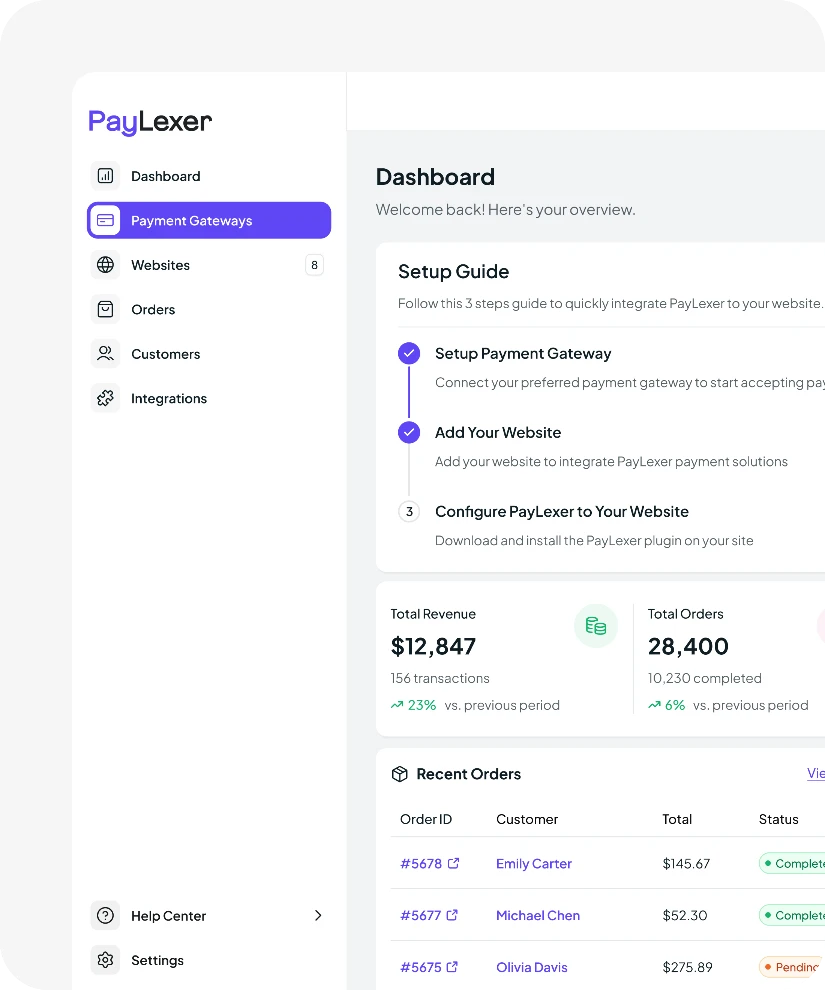
Install and activate the PayLexer plugin on your WordPress website. Enter your Client ID and Site Key to connect your website.
4
Enable Paynecta
Test the connection in PayLexer. When it shows Connected, go to your Easy Digital Downloads payment settings and enable Paynecta. You are ready to start accepting payments.
Other Payment Options
Prefer a Different Gateway? We Support More for Easy Digital Downloads
PayLexer supports 138+ payment gateways for Easy Digital Downloads. Pick the one that works best for your store and your customers.


No matching payment gateways found.
Try another keyword or view all supported gateways below.
Plugin Compatibility
Need Paynecta on More Than One Website? Connect It to Every Platform You Sell On.
Your Paynecta account works across every platform PayLexer supports. One account, connected everywhere you sell.



Trusted Solution
About Easy Digital Downloads
Easy Digital Downloads is a WordPress plugin built for selling digital products. Whether you’re selling software, ebooks, PDFs, courses, music, or other downloadable files, it gives you everything you need to manage products, payments, and customers. Trusted by thousands of businesses, Easy Digital Downloads is one of the most popular solutions for digital commerce on WordPress.
0+
Websites Powered
4.7 / 5
User Rating
0M+
Processed Orders
Trusted Payment
About Paynecta
Paynecta is a Kenya-focused payment gateway built around M-Pesa STK Push. Customers pay through a hosted checkout, and funds go to your Paybill, Till Number, or bank account. It also tracks and reconciles payments automatically.
Ready to accept Paynecta payments on Easy Digital Downloads?
Create your free PayLexer account and connect Paynecta to your Easy Digital Downloads website today.
Set Up Now